BCN→LIS
02 MAY 09:30
A LITTLE ORDER. A WORLD TO EXPLORE.
Less fuss. More world.
Your next trip starts here.
Build your daily itinerary, keep bookings together and track shared expenses with Traivu, your trip planner for iPhone.
See how to plan your trip
01BEFORE YOU GO
Start with your destination and dates. Bring flights, hotel bookings and places to visit into one travel itinerary. Use each day’s map to review your stops and leave time to explore.
Choose where you are going, and when.
Add bookings, review the details and organise your days.
Your trip is ready. The rest is yours to discover.
02 MAY 09:30
02 MAY → 05 MAY
02ALONG THE WAY
Lisbon. Four in the afternoon. Two hours with nothing planned.
What would you do with them?
Illustrative plans and times. Try a choice: only this demo changes.
A viewpoint, and still time to wander.
In the app, explore ideas for your free time with Apple Intelligence. You review each suggestion and choose what to add.Requires a compatible iPhone and Apple Intelligence enabled. Manual planning works without AI.
03WHAT STAYS WITH YOU
That afternoon in Lisbon is yours now. In Traivu, the places and experiences you confirm become part of your passport collection.
Original pieces to discover, collect and share as an image or video.
See the passport in the app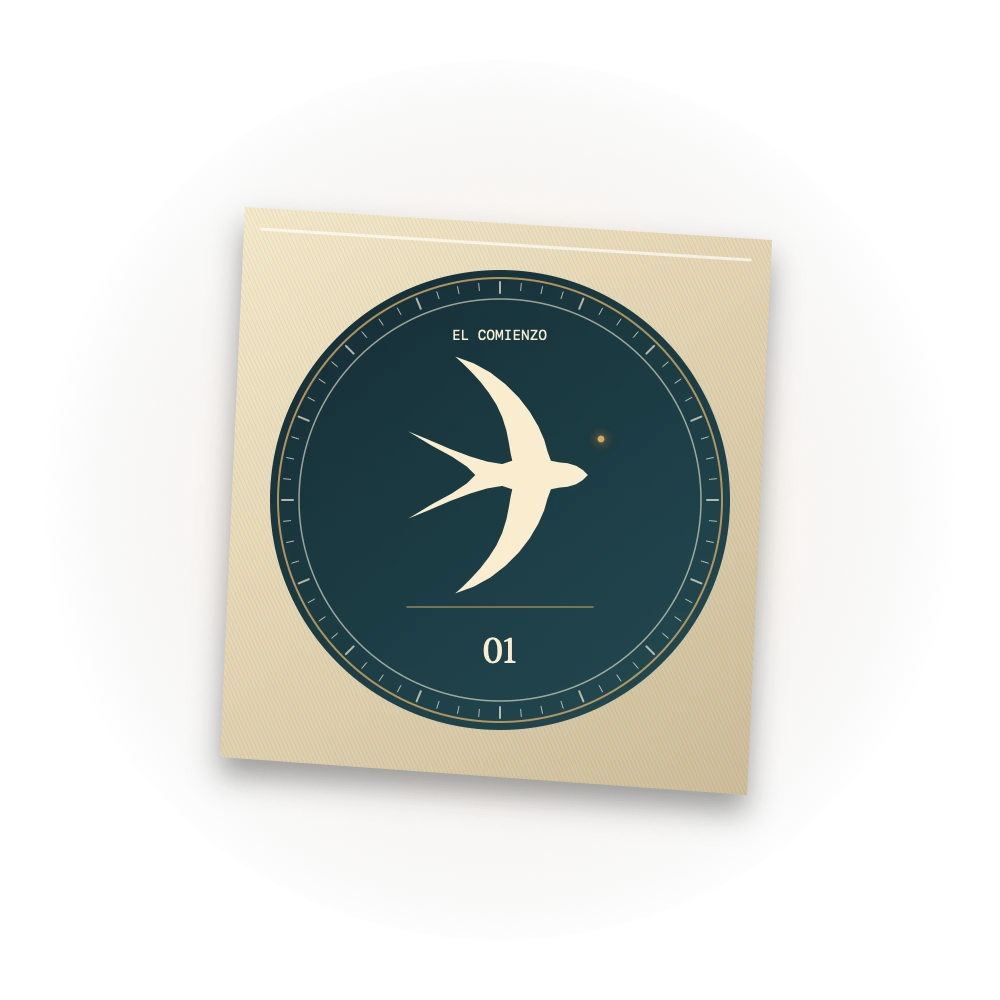
↳YOUR PASSPORT · 29 BADGES
Your first trip, a new country, a week taking it slow. The journeys you confirm unlock original pieces in your passport.
Mark a past trip as completed and confirm the places and experiences you lived.
See your progress and discover each badge’s animated reveal when you earn it.
Choose your favourites and share a piece as an image or video.
Progress comes from confirmed journeys and experiences. Adding a future trip does not unlock a badge.
Explore the passport screenConfirm your first visit to Africa.
Obsidian and copper · The actual six-second reveal from the app↳INSIDE TRAIVU
Explore the actual app.
These screenshots show different sample trips.
01 / YOUR WORLD, TRIP BY TRIP
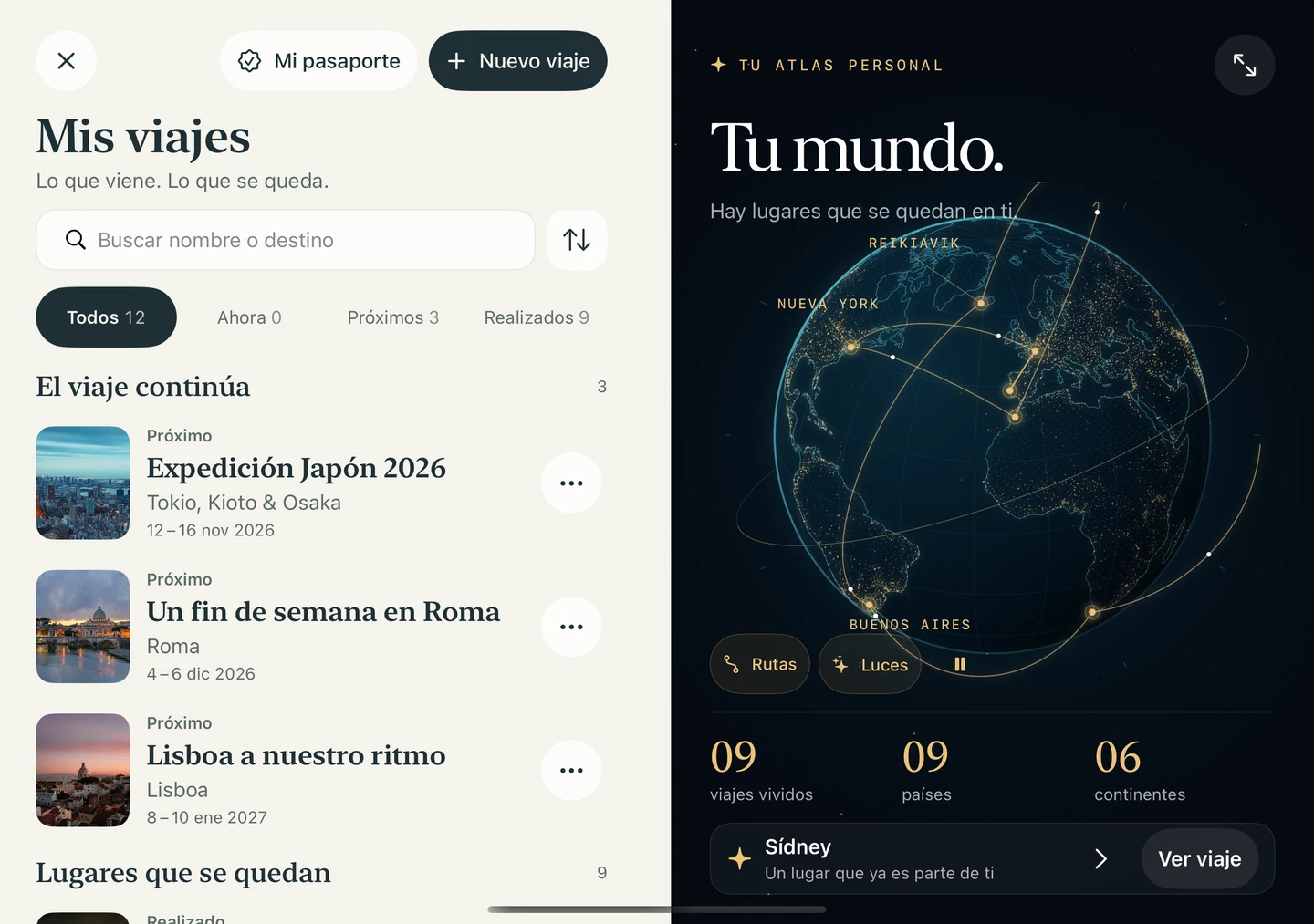
Keep upcoming adventures and trips you have confirmed as completed together. In Your world, each place you have visited lights up, and a golden thread connects your journey.

02 / EVERY DAY IN ITS PLACE
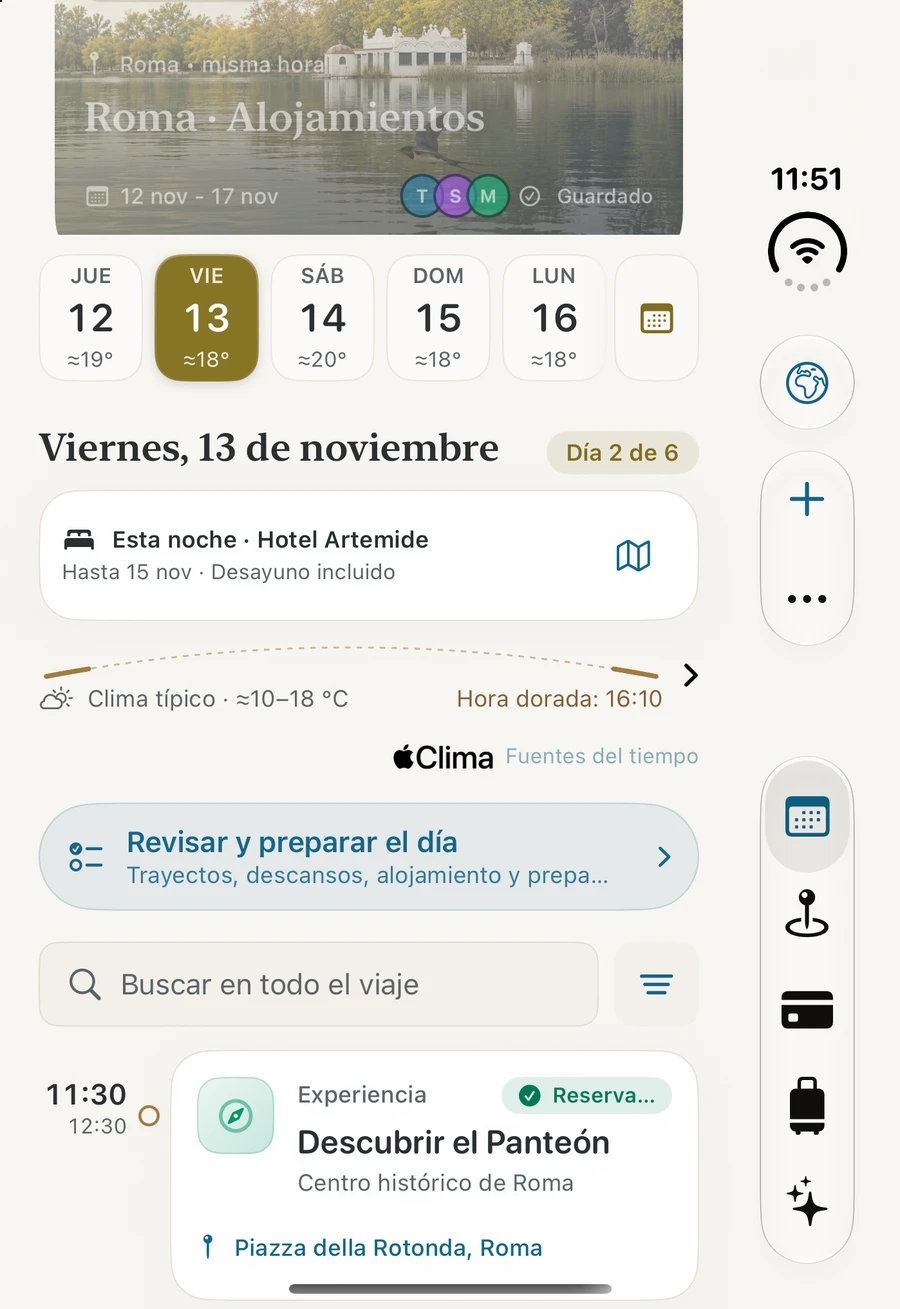
Flights, hotels and visits in an agenda that moves with you. A golden thread runs through the day: it lights up what you have lived and shows, with the destination's real sun, what is still ahead.

03 / PUT YOUR PLANS ON THE MAP
Your stops, joined in order by the golden thread. At nightfall the map becomes a night atlas, and Fly the day follows each stop with the swallow.

04 / KNOW WHERE YOU STAND
Budgets and shared expenses, including other currencies. Review the conversion, choose how to split each expense and record partial repayments.

05 / A WORLD TO COLLECT
Discover pieces tied to the places and experiences you confirm. Choose favourites for your collection and prepare an image or video to share.

06 / ALWAYS WITH YOU
Packing lists, translated phrases and booking references. Check what is ready offline and link documents to your plans from the vault.

07 / READY WHEN YOU NEED THEM
Keep your travel documents in an encrypted vault on your iPhone. Less searching when it is time to show that booking.

↗MADE FOR YOUR IPHONE DUO
Traivu is your travel app for iPhone. On your iPhone Duo, a passport cover outside and more world inside. The same journey, with new ways to explore it.
iPhone Duo · iOS 27.1The iPhone Duo adaptation is coming in a future update.
On the outer screen, the passport cover with the world turning.
Unfold the iPhone Duo and the cover lifts to reveal the inside of the passport.
A data page with its sepia portrait and engraved globe; on the visa page, the stamp of your first arrival. This is how Traivu welcomes you before your first trip.
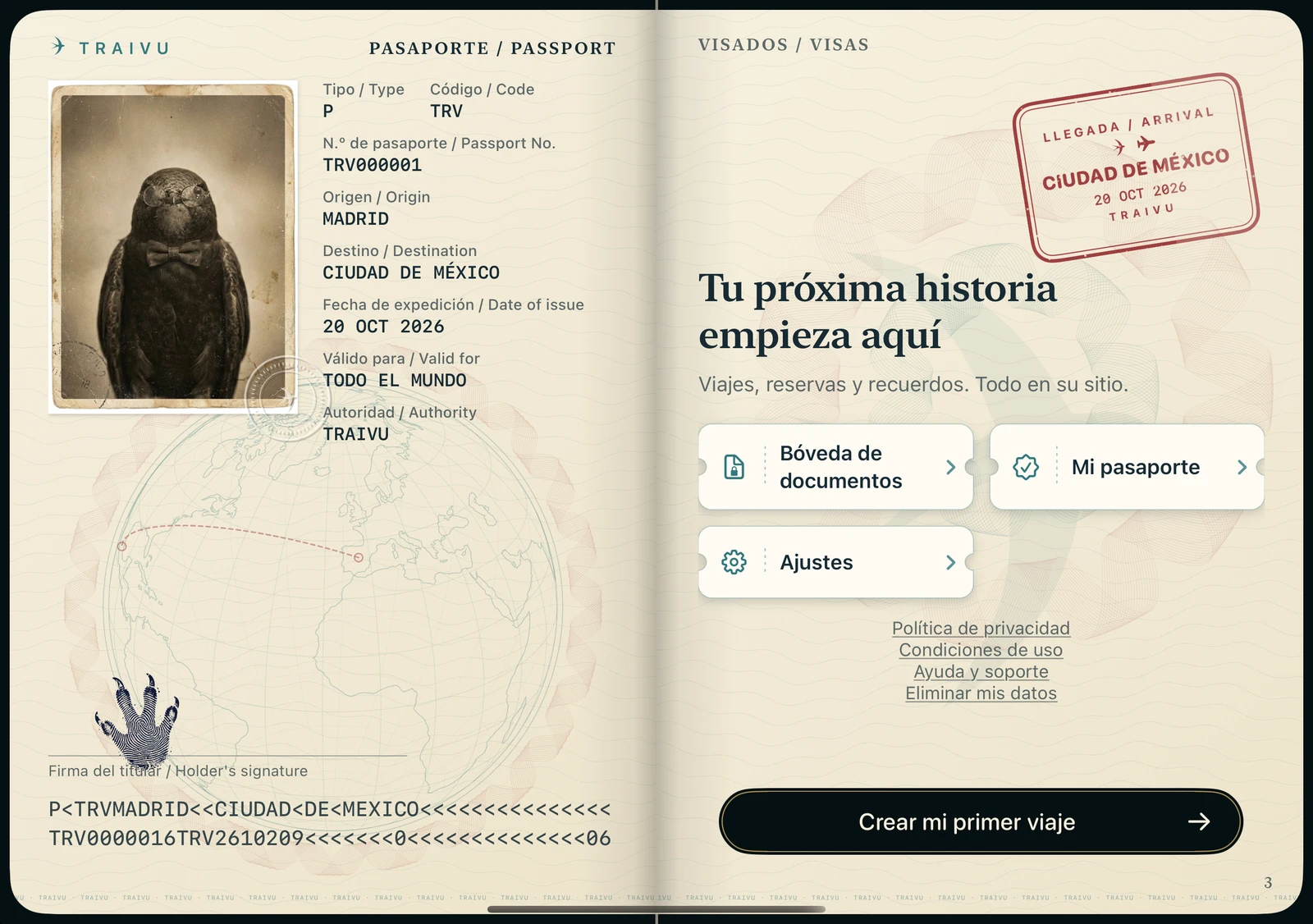
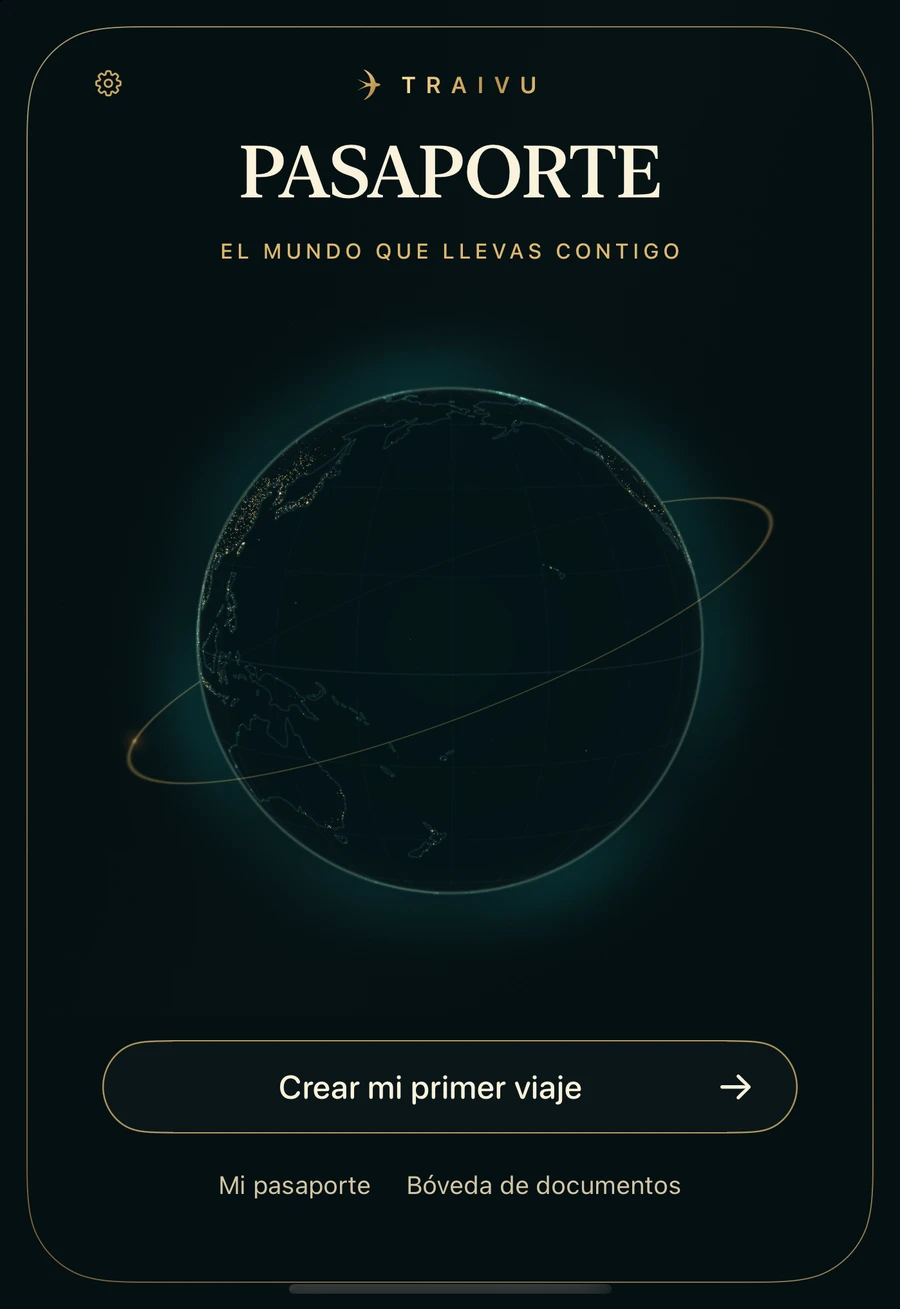
Cover and open passport: actual captures from the outer and inner screens of the iPhone Duo simulator, with no trips yet. The device and its opening are a web simulation; the app interface is in Spanish.
Explore the screens
Your plans and reservations in a compact agenda. Everything ready to follow your day.


Actual Traivu 1.5.1 captures from the iPhone Duo simulator: Plans, My trips and Map, with fictional data. Official Apple product images; the app interface is in Spanish.
A layout that makes use of the space available.
Change screens while keeping your context.
Light and dark appearances, adaptable text and native controls.
SAVE YOUR BUDGET FOR THE JOURNEY
Traivu will be a one-time purchase. No monthly fees, no annual renewals. Ever.
We will announce the fixed price before launch.
Traivu is a travel planner for iPhone. It brings daily itineraries, flights, hotels, visits, maps, budgets and documents together. You can organise a holiday or a short break without creating a Traivu account. It will launch as a one-time purchase with no subscription.
Create a trip with a destination and dates. Add transport and accommodation bookings, arrange visits in the agenda and review the stops on each day’s map. You can keep ideas without a fixed time and adjust the gaps between plans before you leave.
Yes. You can record your travel budget and expenses, note who paid and split each expense by amounts, percentages or shares. Traivu keeps track of balances and partial repayments, including other currencies. It does not make payments or transfer money.
No. Traivu will launch as a one-time purchase and will never have a subscription. One fixed price, one purchase and no monthly or annual plans.
We will announce the fixed price before launch. You will be able to check the price and what is included on the official listing before you buy.
Traivu is designed for iPhone with iOS 26 or later. Assistant features also require a device that supports Apple Intelligence, with the service enabled. The rest of your trip planning works without the assistant.
The iPhone Duo adaptation is coming in a future update. The outer screen will keep things compact; the inner screen will display your map alongside its stops. The interface will also adapt to a partially folded posture and will require iOS 27.1 or later.
You do not need to create a separate Traivu account. iCloud sync features, when available and enabled by you, use your Apple Account.
You can view trip information that is already saved on your device. Loading maps, new photos, weather, exchange rates and other live data requires an internet connection.
Vault documents are encrypted and stored locally on your device. They are not included in iCloud trip sync. Keep another copy of your original documents: the vault is not a substitute for a backup.
Traivu helps you organise your bookings and plans. Purchases and bookings are made with the airlines, accommodation providers and other services you choose. Always confirm times and terms with them.
We are getting ready for launch. There is no public download link on this website yet. We will add it here when it is available.
THE WORLD IS STILL OUT THERE
Bring your plans.
Leave room for what comes next.
Silent animation from My trips in Traivu. Seven fictional past trips light up on Earth and a golden thread joins them in the order they were lived, while marine life made of light rises from the ocean.